

Dub any video with AI
Paste a video link and get it re-voiced in another language — a matched AI voice for every speaker, with the original music and ambience kept underneath. 23 dub languages, videos up to 2 minutes.
AI video dubbing online — transcript first, dubbed video minutes later
How to Dub a Video with AI in 3 Steps
Paste your video link
Drop in a TikTok, Instagram, YouTube, Facebook or X link — or upload a file — and Voqusa transcribes it with speaker labels in seconds.
Pick a dub language
The Dub studio opens by itself once your transcript is ready — pick one of 23 languages and start. The AI translates every line to fit its original time window.
Get the dubbed video
Each speaker is cast with a voice matched to their measured pitch and gender, the background sound is kept, and the finished dub is yours to download.
What AI dubbing unlocks
Reach new markets
Post the same video to Spanish, Japanese or Hindi audiences without re-recording a word.
Real voice casting
Two speakers get two distinct voices — cast by how each one actually sounds, not by guesswork.
Timing that fits
Every line is translated to fit its original moment, so the dub stays in sync with the video.

From link to dub in minutes
Transcript, translation, voice synthesis and the final mix all happen in one flow — paste a link and download the result.
Voices cast by measurement
The AI measures each speaker's pitch and gender and casts a matching voice — so a two-person interview still sounds like two people.
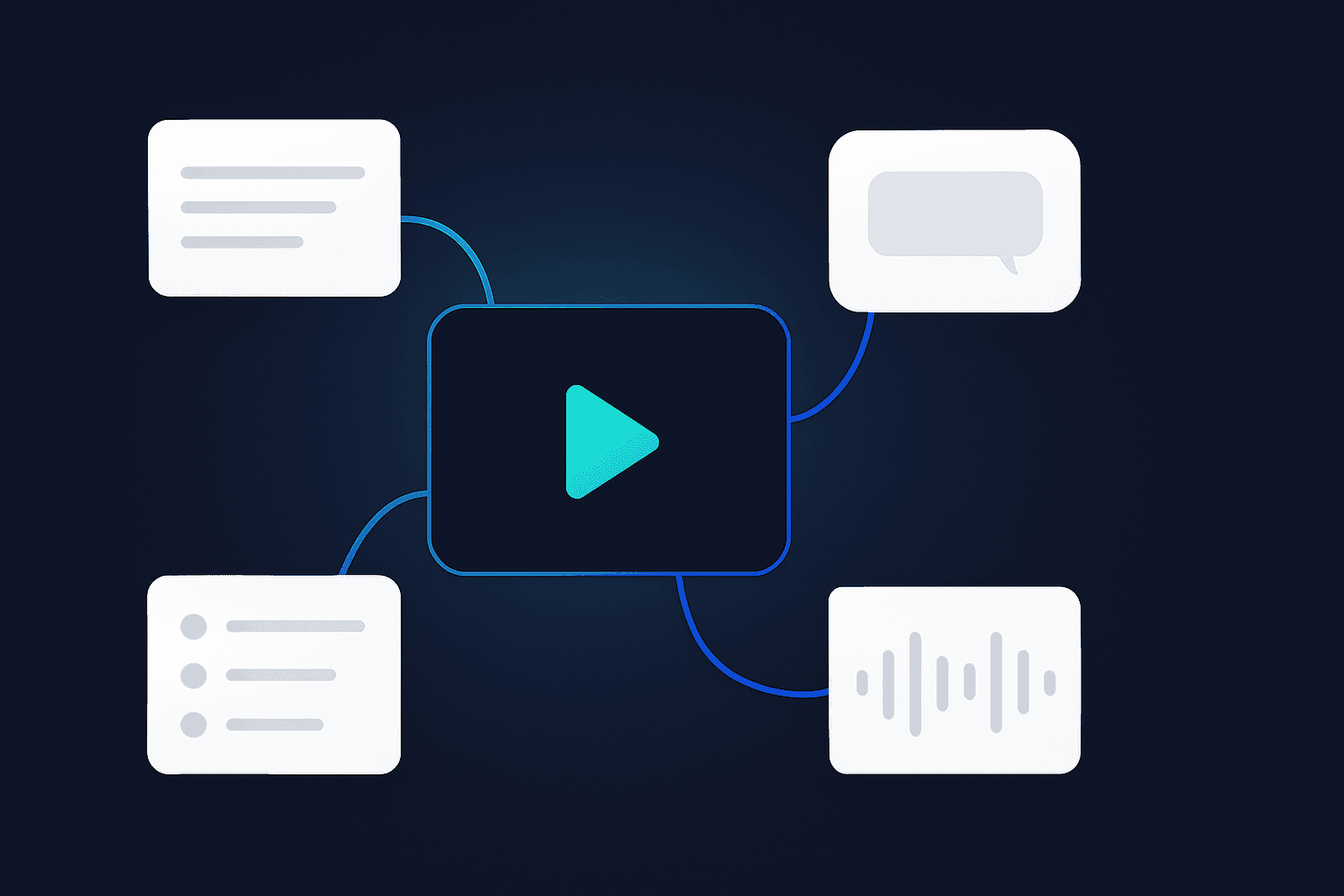
Keeps the sound of the original
The voice track is separated from the background, then the new voices are rebuilt over the original music and room sound.
How people use AI video dubbing
For creators
Repost your best short-form videos into new language markets with a native-sounding voice track.
For marketers
Localize ads, product demos and testimonials without booking studios or voice actors.
For educators
Make lessons and explainers watchable in the languages your students actually speak.
AI Dubbing Tools Compared
Voqusa vs. typical dubbing apps
AI Video Dubbing — Frequently Asked Questions
How do I dub a video into another language?
Paste the link (or upload a file) and Voqusa transcribes it first, with speaker labels. The Dub studio then opens on its own — pick a target language and start. From there it is one pipeline: each line is translated to fit the time window it originally occupied, a voice is cast per speaker, the original music and room sound are separated out and kept, and the new voices are mixed back over them. The finished dub lands in your Library, ready to play and download.
Will it sound like a robot reading a script?
It is synthetic speech, so it will not pass for the original person — worth saying plainly. Three things keep it well clear of a flat text-to-speech read: every speaker gets a voice cast from their own measured pitch rather than one house narrator; each line is translated to fit its original time window, so the delivery keeps the rhythm of the video instead of racing ahead or trailing off; and the original music and ambience stay underneath rather than being replaced by silence, which is what usually makes a dub sound like a robot in an empty room.
Does it lip-sync the video?
No. The picture is untouched — Voqusa replaces the voice track, it does not redraw mouths. In practice that matters least for what most people dub here: talking-head shorts, voiceover, b-roll, demos and lessons where the speaker is often off camera or not in close-up. If your video is a tight face-on close-up and lip accuracy is the point, a dub of any kind will read as a dub.
How is this different from YouTube's automatic dubbing?
YouTube's auto-dubbing is applied to your channel's uploads in the languages it decides on, with one voice and no preview before viewers hear it. Here you choose the language, you hear the result before anyone else does, and the file is yours to download and post wherever you want — TikTok, Reels, a course platform, an ad. Multi-speaker videos also stay multi-voice rather than collapsing into a single narrator.
Which languages can I dub into?
23 languages: Spanish, Portuguese, French, German, Italian, Dutch, Polish, Czech, Romanian, Greek, Finnish, Russian, Ukrainian, Turkish, Arabic, Hindi, Indonesian, Vietnamese, Thai, Japanese, Korean, Chinese and English. Translation-only output (text, not voice) supports 80+ languages.
How long can the video be — can I dub a whole lesson?
The one-click dub from this page handles videos up to 2 minutes; from the AI chat panel inside the transcript workspace the ceiling is 3 minutes. So a full course lesson is out of scope for now — dubbing is built here for short-form. Transcription itself has no such limit, so the usual move on long material is to transcribe the whole thing, then dub the two-minute stretch you actually want to post.
Does it work with more than one speaker?
Yes, and this is where most dubbing tools give up. When the transcript detects multiple speakers, the AI measures each one's fundamental pitch off the original mix and casts a distinct voice to match — a low voice stays low, and two speakers in the same register are handed different timbres so they stay tellable apart. Everyone keeps their own voice across all of their lines, so a two-person interview still sounds like two people.
What does it cost, and what if the dub comes out wrong?
Reading your transcript is free. A dub costs 2 credits per minute of video, rounded up — a 60-second dub is 2 credits, and the longest one from this page, 2 minutes, is 4. The 5 credits that come with a free account cover your first dub. After that credits come in one-time packs from $1.99, stay valid 12 months, and nothing is a subscription. If a dub fails, the credits go back automatically — you are never charged for a file you did not get.
Transcribe from other platforms
- TikTok Transcript
- YouTube Transcript
- Instagram Transcript
- Facebook Transcript
- Twitter Transcript
- LinkedIn Transcript
- Pinterest Transcript
- RedNote Transcript
- Bilibili Transcript
- Douyin Transcript
- Kuaishou Transcript
- Telegram Transcript
- Google Drive Transcript
Convert files to text
Featured guides
Ready to hear your video in another language?
Paste a link, pick one of 23 languages, and get a speaker-matched AI dub with the original sound kept. The 5 free credits on signup cover your first dub.