

The clip maker that cuts from your own words
Paste a YouTube, TikTok or Instagram link and the AI reads every line of your video, picks the moments most likely to stop the scroll, and cuts each one as a clip you can play and download. Cutting clips is free — a free account comes with 5 transcription credits, and it's where your clips are saved.
Free clip maker — long video in, short clips out, timestamps included
How to Make AI Clips From a Video in 3 Steps
Paste your video link
Drop in a YouTube, TikTok, Instagram, Facebook or X link — or upload a file — and Voqusa transcribes every word with timestamps.
Choose the count, shape and captions
The Clips studio opens by itself once your transcript is ready. Sign in free the first time so your clips have somewhere to live, then pick how many you want, whether they come out 9:16, 1:1, 16:9 or in the original frame, and whether the transcript is burned on as captions.
Play and download
Each clip comes back playable, labelled with the line it was cut from and its [MM:SS] moment — and stays in your Library until you delete it.
What an AI clip maker unlocks
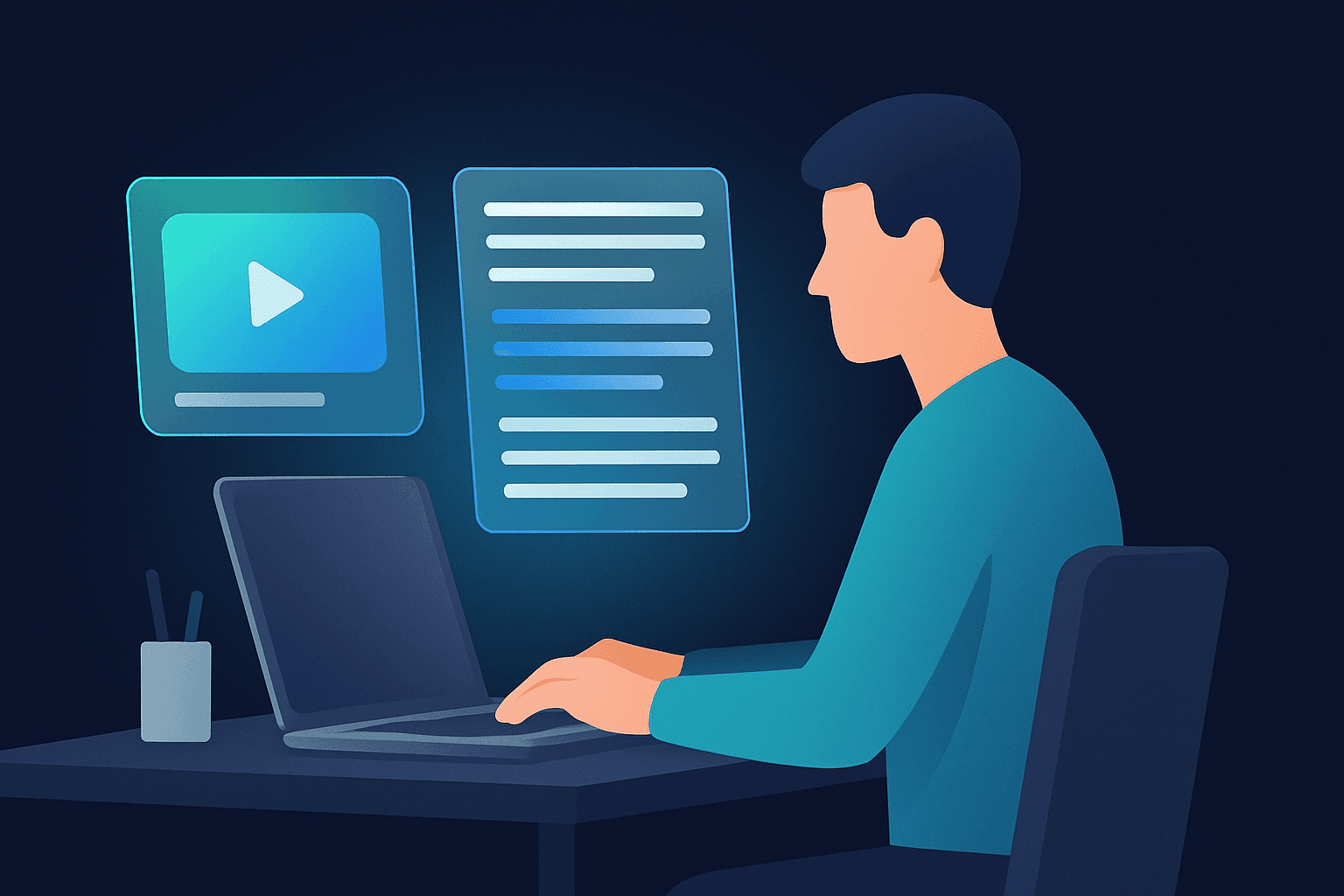
Clips from real moments
No generic template lines — every clip is cut where you actually said something worth posting.
A line to post with each clip
Each clip arrives labelled with the sentence it was cut from, so the caption is written before you open your editor.
Receipts included
Every clip cites its [MM:SS] timestamp, so you can jump straight to the moment in the transcript.

Stop scrubbing the timeline
Instead of hunting for the good bit by dragging a playhead, the AI reads the whole transcript and cuts straight to the moments worth keeping.
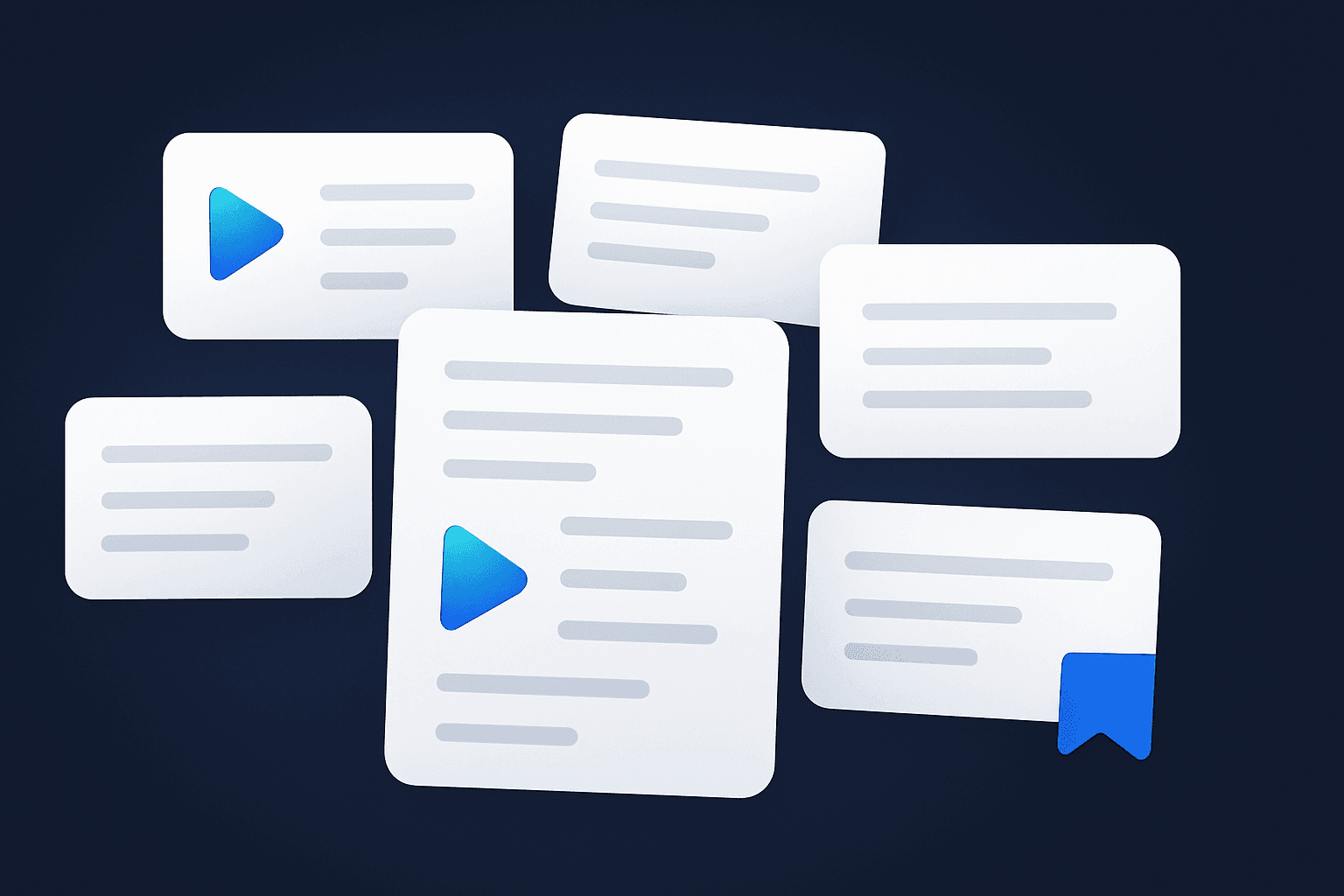
Your words, not a template
Every clip is grounded in something you actually said, so it matches your voice and never over-promises the video.
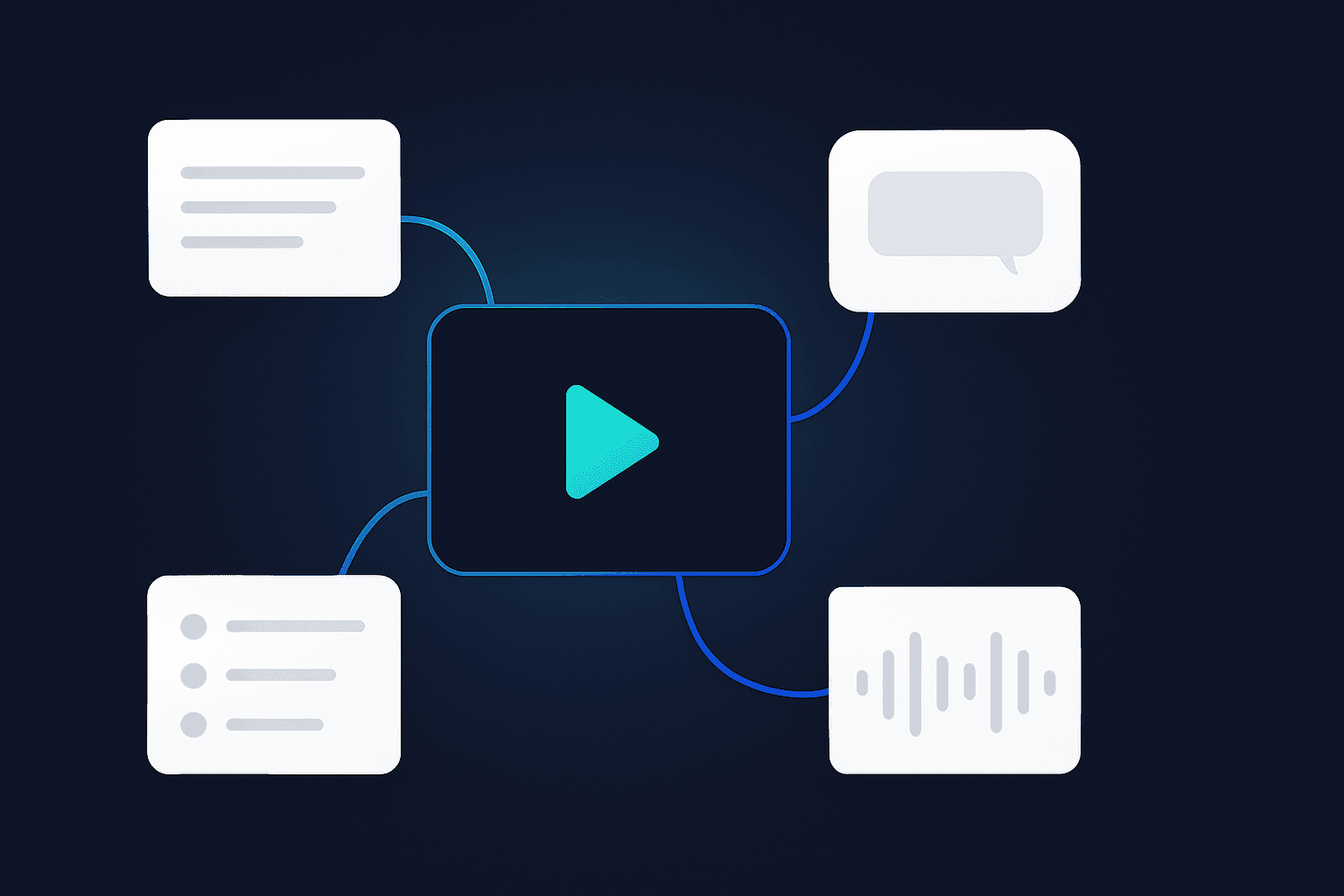
Clips that stay put
Each cut is saved next to its transcript — play it, download it, or cut another set without losing the first.
How people use a clip maker
For creators
Cut three openers from the same video and let the strongest one lead your next post.
For podcasters
Mine long episodes for the seconds that will pull short-form viewers into the full conversation.
For marketers
Pull the sharpest line out of testimonials, demos and UGC and open your ads with proof, not claims.
AI Clip Makers Compared
Voqusa vs. typical AI clip generators
AI Clip Maker — Frequently Asked Questions
How do I turn a long video into short clips?
Paste the link — YouTube, TikTok, Instagram, Facebook or X — or upload the file. Voqusa transcribes it with timestamps, then the Clips studio reads the whole transcript, picks the moments that stand on their own, and cuts each one straight out of the source. There is no timeline to scrub and nothing to download and re-upload: you choose how many clips you want and get them back playable, each labelled with the line it was cut from.
Is there a free clip maker, or do they all cost $30 a month?
Cutting clips here costs no credits and there is no subscription — nothing renews and nothing expires monthly. Making the clips needs a free account, because each clip is kept in your Library instead of vanishing. Credits are only for transcribing: 1 per minute of video, a free account comes with 5, and after that they come in one-time packs from $1.99 that stay valid for 12 months.
Can it clip my own video, or does it only work on stock footage?
Only your own. Every clip is cut out of the exact link or file you gave it, at the second the AI cited — it never generates, substitutes or stitches in footage you did not shoot. That is also why the moments come from your transcript rather than a template: each one is something you actually said on camera, which is what makes the clip worth posting under your name.
Can I get the clips in 9:16 with captions burned in?
Yes, both, before you cut. Pick the output shape — 9:16 for Shorts, Reels and TikTok, 1:1, 16:9, or the original frame — and tick captions to have your transcript burned onto the picture, timed to the speech and drawn on the cropped frame so nothing gets sliced off at the sides. Burned-in captions cover Latin, Greek and Cyrillic scripts today; other scripts still cut fine, just without the subtitle layer. Each clip downloads as an MP4, ready to post as it is.
How do I clip a YouTube video without downloading it?
Paste the URL and press the button — no downloader, no upload, no extension. Voqusa fetches the video itself, transcribes it, and cuts the moments you pick out of that same source. The one case that comes back as audio rather than video is a file you uploaded yourself: those clips arrive as MP3s of the moment, since only the audio is kept after transcription.
How does the AI decide which moments to cut?
It reads the transcript, not engagement guesswork. The AI looks for the lines that stand on their own out of context — a bold claim, a surprising number, an open question, the sentence you opened with — and cuts each at the [MM:SS] it came from. Because every clip cites its timestamp, you can check its reasoning against the transcript in one click instead of taking it on faith.
How is this different from CapCut or a subscription clipper?
CapCut is an editor: it will happily cut and caption, but finding which twelve seconds of a forty-minute video are worth posting is still your job. Subscription clippers do find the moments, but they bill monthly and want the file uploaded first. Voqusa takes a link, finds the moments from what you actually said, shows you the timestamp behind each pick, and charges nothing for the cutting itself.
How many clips can I cut, and how long can each one be?
Up to 6 clips per run, each between 2 and 90 seconds. You can run it again on the same video as many times as you like — a new set never overwrites the old one, and everything stays side by side in your Library until you delete it. If the first three openers are not right, cut three more.
Transcribe from other platforms
Ready to cut your next clip?
Paste a link and get the best moments of your video cut as clips, each labelled with the line it came from. A free account comes with 5 credits, and the clips cost nothing.