

Translate any video with AI
Paste a TikTok, Instagram, YouTube, Facebook or X link — or upload a file — and get it back translated: timed subtitles in 80+ languages you can export as SRT or VTT, or a full dub with a matched voice for every speaker in 23.
AI video translation online — subtitles in 80+ languages, AI dubs in 23
How to Translate a Video in 3 Steps
Paste your video link
Drop in a TikTok, Instagram, YouTube, Facebook or X link — or upload an MP4, MP3 or WAV — and Voqusa transcribes it with timings and speaker labels in seconds. A free account comes with 5 credits, no card required.
Pick the language to translate into
Choose one of 80+ languages and every line is translated in place, keeping its original timestamp — so the translation stays lined up with what is happening on screen.
Export subtitles, or dub the voices
Download the translation as SRT, VTT or plain text with the timings intact — or send it to the Dub studio and get the video re-voiced in one of 23 languages, background music kept.
What AI video translation unlocks

Understand any video
Translate a video to English — or from English — and read exactly what was said, line by line, with the timecodes to jump back to it.
Subtitles that stay in sync
Each line is translated inside its own time window, so the exported SRT drops straight onto the video without re-timing.
A voice track, not just text
When subtitles are not enough, the same transcript becomes a dub with a voice matched to each speaker and the original music kept underneath.

From link to translation in minutes
Transcription and translation happen in one pass: paste a link, pick a language, and read the translated transcript while the video is still open beside it.
80+ languages for text, 23 for voice
Reading the translated transcript costs nothing, so you can check a market before paying to voice it. The dub reuses the same translation.
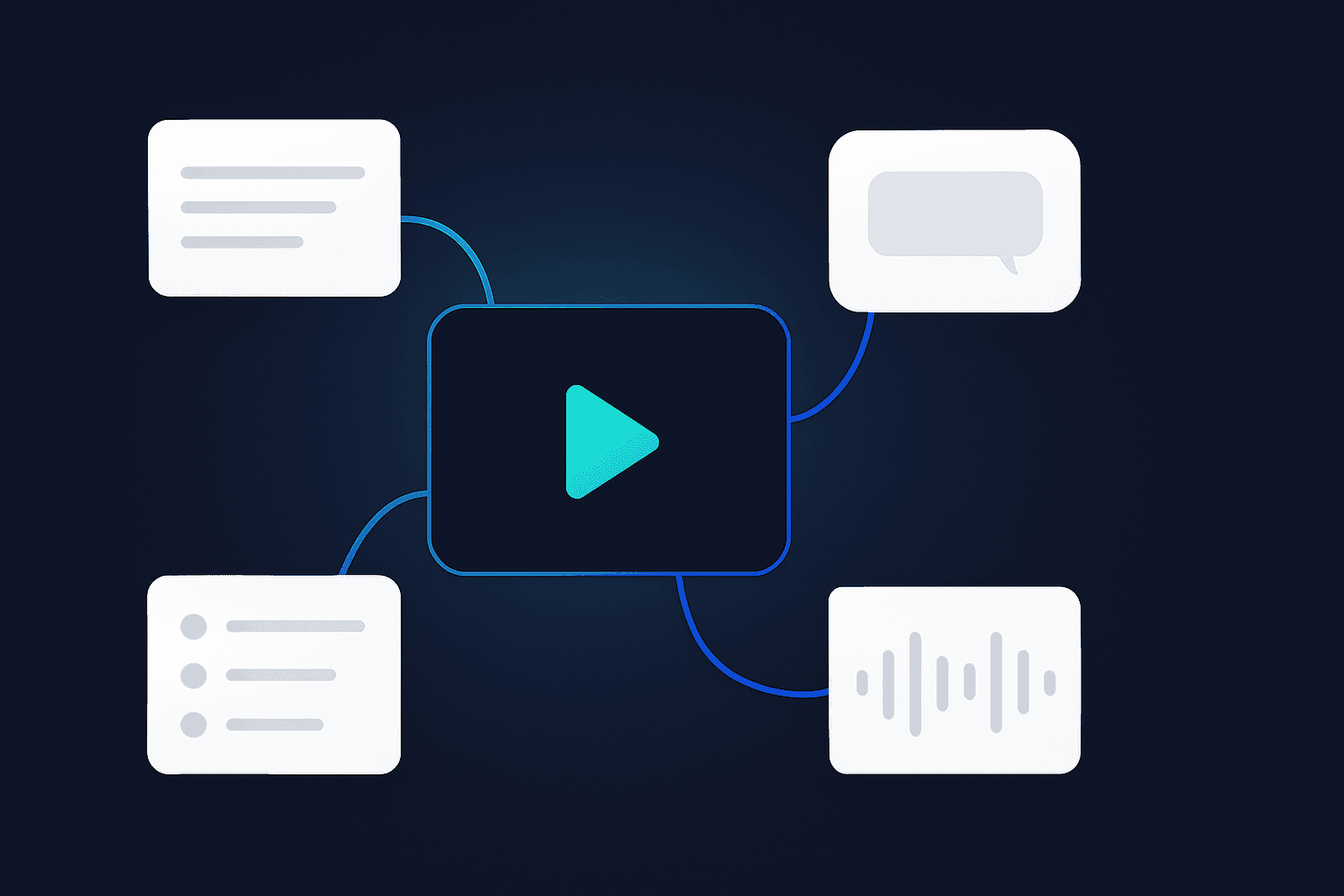
Exports that keep the timings
Every translated line keeps its original start and end time, so the subtitle file is ready for your editor, your CMS or YouTube's caption uploader.
How people use an AI video translator
For creators
Repost your best short-form videos into new language markets — translated captions first, a full dub when a market proves itself.
For researchers and students
Translate a lecture, interview or news clip in a language you do not read, and search the text instead of scrubbing the timeline.
For marketers
Localize ads, demos and testimonials without booking a studio — and check the translation as text before spending anything on voice.
AI Video Translators Compared
Voqusa vs. typical video translation tools
AI Video Translator — Frequently Asked Questions
How do I translate a video?
Paste the video's link above — TikTok, Instagram, YouTube, Facebook, X or Pinterest — or upload an MP4, MP3, WAV or M4A file. Voqusa transcribes it with timestamps and speaker labels, then you pick a target language from the Translate menu in the transcript workspace and every line is translated in place. From there you can export the translation as SRT, VTT or plain text, or dub the video so the new language is spoken aloud.
Can I translate a video to English?
Yes, in either direction. Voqusa detects the spoken language automatically, so a Spanish, Hindi, Arabic, Korean or Portuguese video becomes an English transcript — and an English video becomes any of the other 80. Nothing has to be set up in advance.
How many languages does the video translator support?
81 languages for translated text and subtitles, and 23 for spoken dubs: Spanish, Portuguese, French, German, Italian, Dutch, Polish, Czech, Romanian, Greek, Finnish, Russian, Ukrainian, Turkish, Arabic, Hindi, Indonesian, Vietnamese, Thai, Japanese, Korean, Chinese and English.
Can I download the translated subtitles?
Yes. The translated transcript exports as SRT or VTT with every line's original start and end time preserved, or as plain text if you only need the words. The SRT is ready to upload to YouTube or drop into a video editor as-is.
Can it translate the voice, not just the subtitles?
Yes — that is the dub. Once the transcript is translated, the Dub studio re-voices the video: each speaker is cast with a voice matched to their measured pitch and gender, every line is fitted back into its original time window, and the music and room sound from the original are kept underneath. Dubs cover 23 languages and videos up to 2 minutes.
Is the AI video translator free?
Reading a translation costs nothing — the credits go on the transcript underneath it. A free account comes with 5 credits, and one credit covers a YouTube video or a minute of any other video. So your first videos are free, translation included. Dubbing costs 2 credits per minute of video. After the free credits, packs start at $1.99, stay valid for 12 months, and there is no subscription.
Can I translate a YouTube or TikTok video without downloading it?
Yes. Paste the link and Voqusa pulls the audio itself — nothing is downloaded to your device and no browser extension is involved. The same works for Instagram Reels, Facebook videos, X posts and Pinterest pins.
Transcribe from other platforms
Ready to read your video in another language?
Paste a link, pick one of 80+ languages, and get a timed translation you can export as SRT — or turn into a spoken dub. Your first ones are free with a free account.