

Convert any MP3 to text
Free AI tool to transcribe MP3 audio files to text — no credit card. Upload an MP3 and export the transcript as TXT or SRT.
Free MP3 to text converter — transcribe MP3 audio files to text in seconds, no credit card
How to Convert MP3 to Text in 3 Simple Steps
Upload Your MP3 File
Drag in any MP3 — a recording, podcast, voice memo, lecture, or interview — or pick it from your device. No format conversion needed.
Convert MP3 to Text
Our AI transcribes the MP3 audio to accurate text in seconds, with punctuation and speaker separation.
Copy, Download or Summarize
Copy the transcript, download it as TXT or SRT, or ask the AI to summarize and translate what was said.
What Our MP3 to Text Converter Unlocks for You
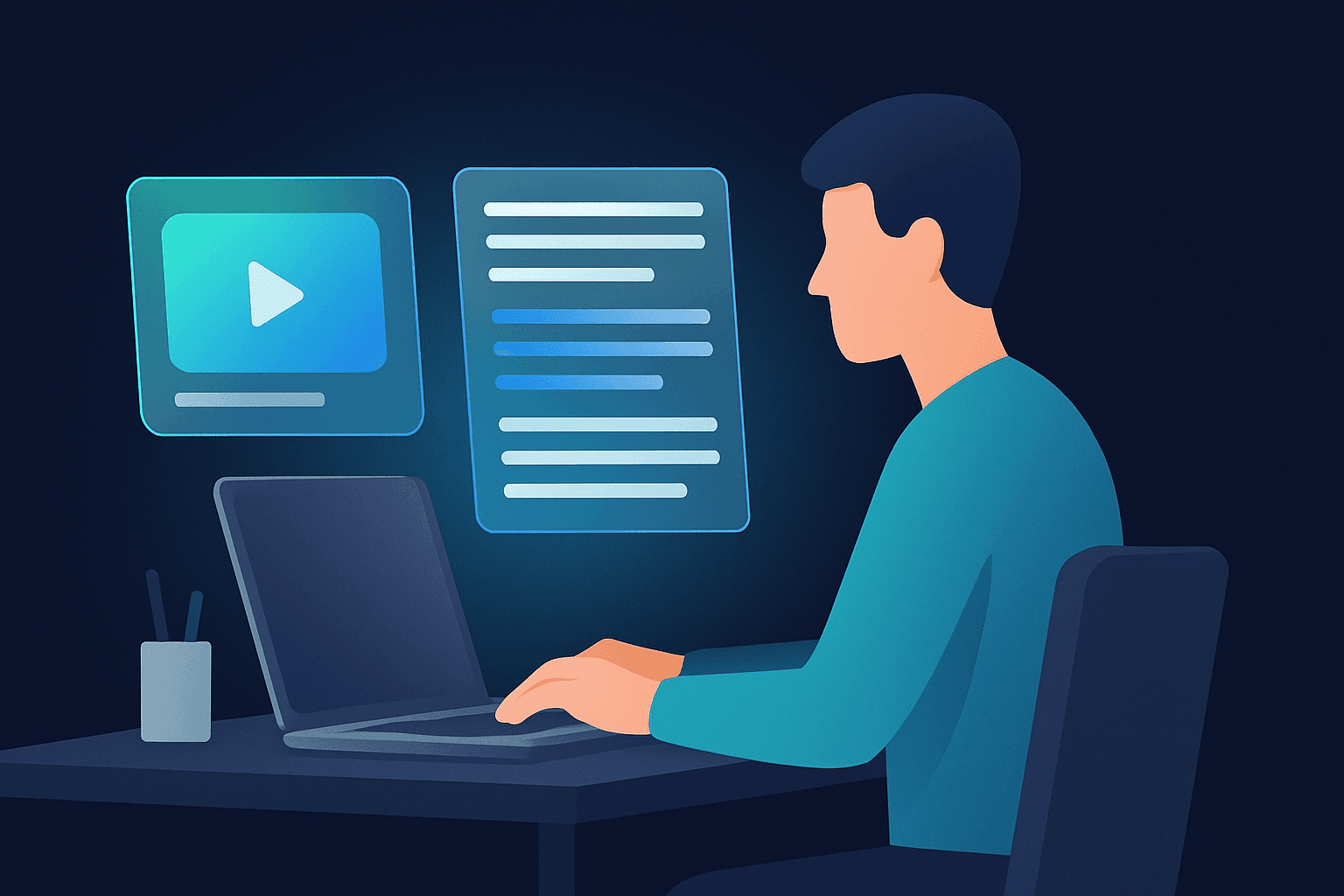
Searchable Audio
Convert an MP3 to text and search hours of audio in seconds — find any quote, name, or moment without scrubbing the timeline.
Effortless Repurposing
Turn an MP3 recording into blog posts, show notes, newsletters, and social threads from one accurate transcript.
Subtitles & Captions
Export the MP3 transcript as an SRT file to caption videos, add subtitles, or sync text to your audio.

Never Retype Audio Again
Upload an MP3 and get clean, punctuated text in seconds. What used to take an hour of manual typing is done before your coffee cools.
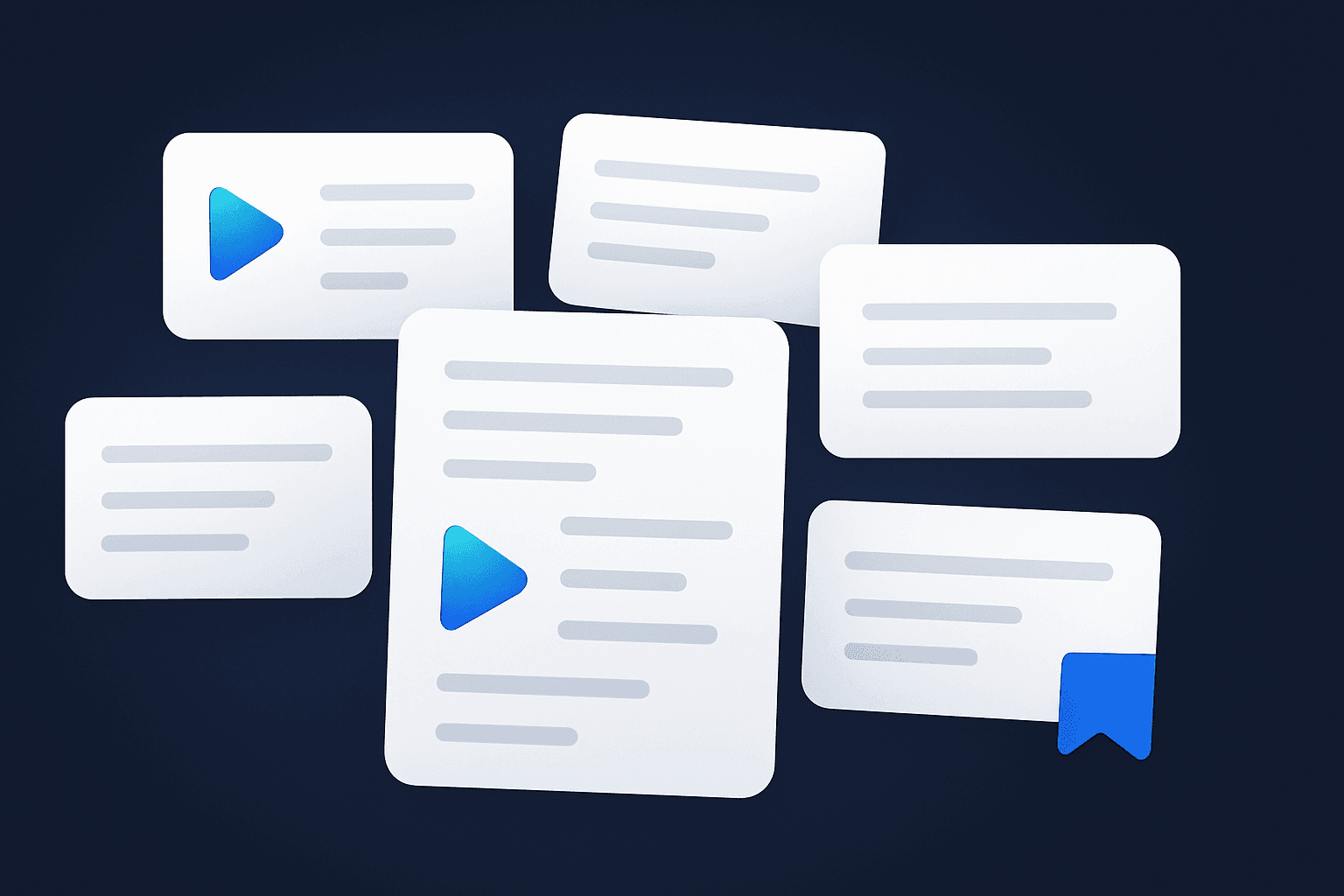
One Recording, Endless Content
One MP3 transcript becomes a blog post, show notes, a newsletter, and a set of social clips. Extract the value and distribute it everywhere.
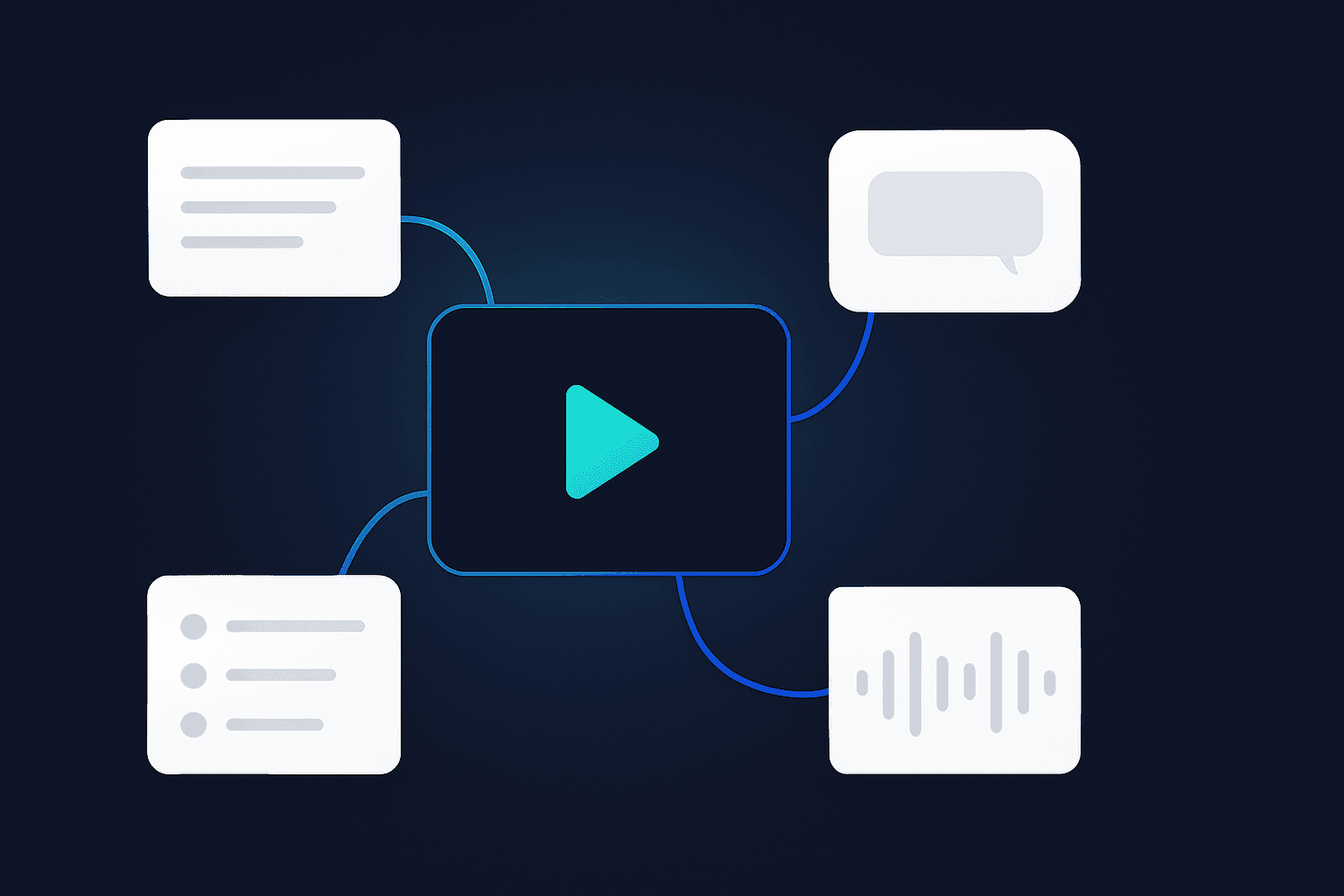
Accurate, Even on Messy Audio
Background noise, accents, and multiple speakers — our AI handles the MP3 files real people actually record, not just studio audio.
How People Use an MP3 to Text Converter
For Podcasters
Convert MP3 episodes to text for show notes, timestamped chapters, and quote cards — published minutes after recording.
For Journalists & Researchers
Transcribe MP3 interviews and field recordings to text you can quote, search, and cite accurately.
For Students
Turn recorded MP3 lectures into notes you can study, highlight, and search before exams.
For Content Teams
Convert MP3 webinars and calls to text, then summarize and repurpose them across channels.
MP3 to Text Converters Compared
Voqusa vs. Other Audio Transcription Tools
Frequently Asked Questions About Converting MP3 to Text
How do I convert an MP3 to text for free?
Upload your MP3 file to the tool above and our AI transcribes it to text in seconds — free to start with a free account, no credit card. Drag the file in, wait a few seconds, and copy the text — the transcript includes punctuation and paragraphing, so it reads like an article rather than a raw word stream.
What's the maximum MP3 length supported?
You can convert MP3 files up to 3 hours long, covering everything from short voice memos to full podcast episodes and recorded lectures. Three hours is roughly a triple episode of most podcasts; for even longer recordings, split the file with any audio editor and transcribe the parts back to back.
Can I download the MP3 transcript as a file?
Yes — export the transcript as a TXT or SRT file, or copy the full text directly into any document or editor. TXT is ideal for articles, notes, and AI workflows; SRT preserves timing so the same transcript doubles as subtitles. Both export instantly once the transcript is ready.
Does it work on other audio formats?
Yes. Besides MP3, the converter handles M4A, WAV, MP4, MOV and more — just upload the file and it transcribes the audio.
How accurate is the MP3 to text conversion?
Our AI produces high-accuracy transcripts with punctuation and speaker separation. Accuracy depends on audio clarity — clear recordings transcribe near-perfectly. Spoken-word recordings such as podcasts, interviews, and lectures are the best case; distant microphones and crosstalk are the usual causes of corrections, and everything is editable in place before export.
Is my uploaded MP3 kept private?
Yes. Your file is used only to produce your transcript and is not shared beyond the providers that process it. The audio is kept with the transcript so you can play it back in your library, and nobody else can see it unless you make the transcript public.
Can the AI summarize or translate the MP3 transcript?
Yes — after converting the MP3 to text you can ask the built-in AI to summarize the key points or translate the transcript into another language. That turns a raw recording into meeting minutes, show notes, or a translated draft in one sitting, without leaving the page.
Transcribe from other platforms
Ready to Convert Your First MP3 to Text?
Upload an MP3 and get an accurate transcript with TXT/SRT download in seconds. Free to start, no credit card, no catch.